
For the place you call home
Your Society.
Simply Managed.
Housing society software bringing residents, maintenance billing, visitor management and daily operations into one place.
Built around people. Grounded in everyday work.

One society. Different responsibilities.
A place for everyone
who keeps it running.
- Committees & managers
- Organise records, decisions and the work that follows.
- Residents
- Find your bills, society updates and request history.
- Security teams
- Check approvals and record gate activity.
- Accountants & staff
- Work with assigned responsibilities and reviewed records.

01 / Billing & accounting
Follow the detail behind every bill.
Bring maintenance bills, recorded receipts and reviewed accounting entries into the same conversation.
- Review maintenance billing previews before generation
- View unit bills and recorded receipts
- Review balanced vouchers and vendor expenses

02 / Visitors & security
A clear record of who comes and goes.
Connect visitor requests, approval status and gate activity without losing the context of a visit.
- Review visitor requests and approval status
- Record authorised arrivals and departures
- Keep a history of gate activity
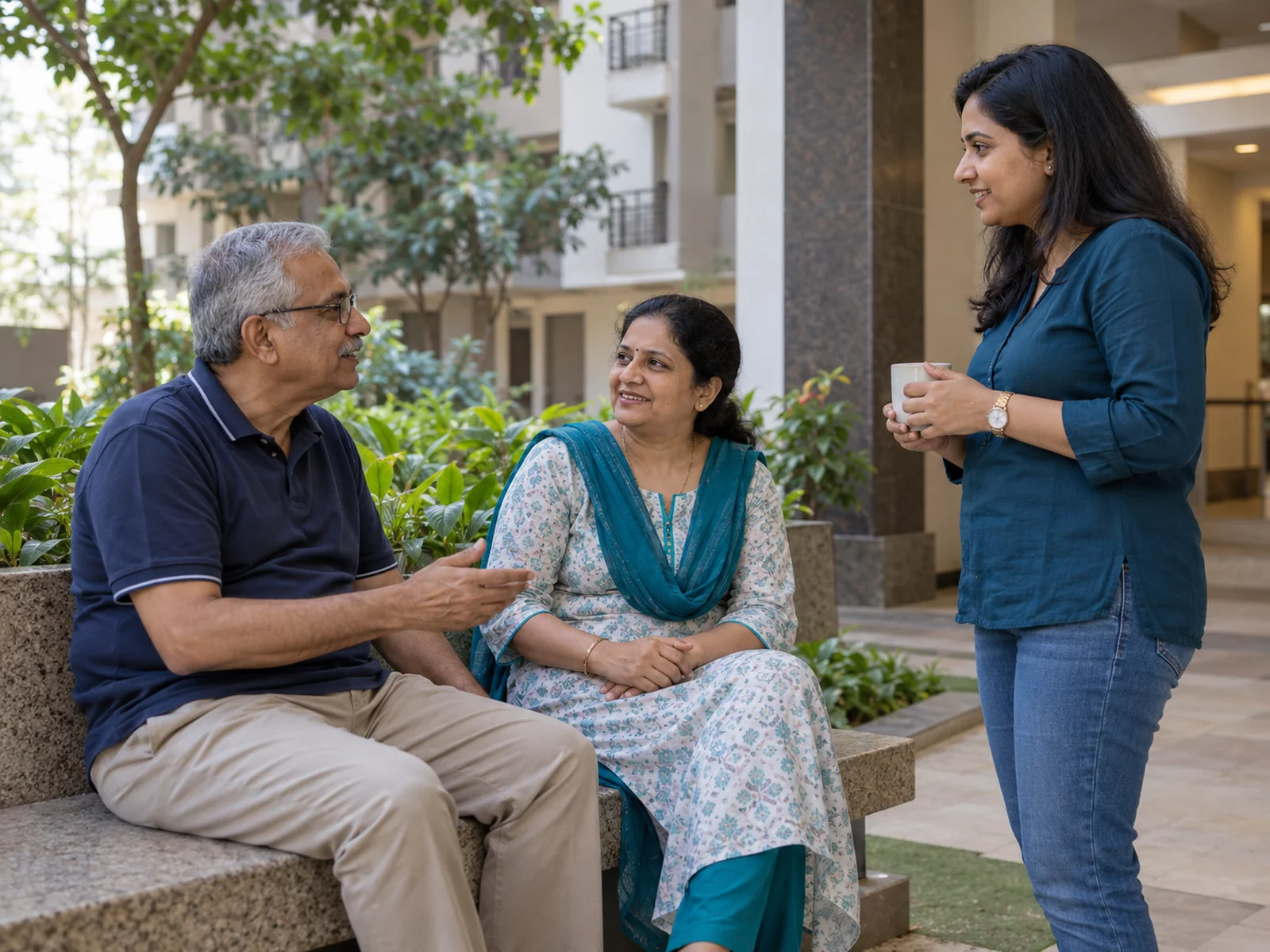
03 / Residents & communication
Keep your community in the picture.
Connect resident records, household relationships and society notices with access appropriate to each person.
- Maintain unit and resident records
- Manage owner, co-owner, family and rental relationships
- Preserve relationship history and reviewed documents
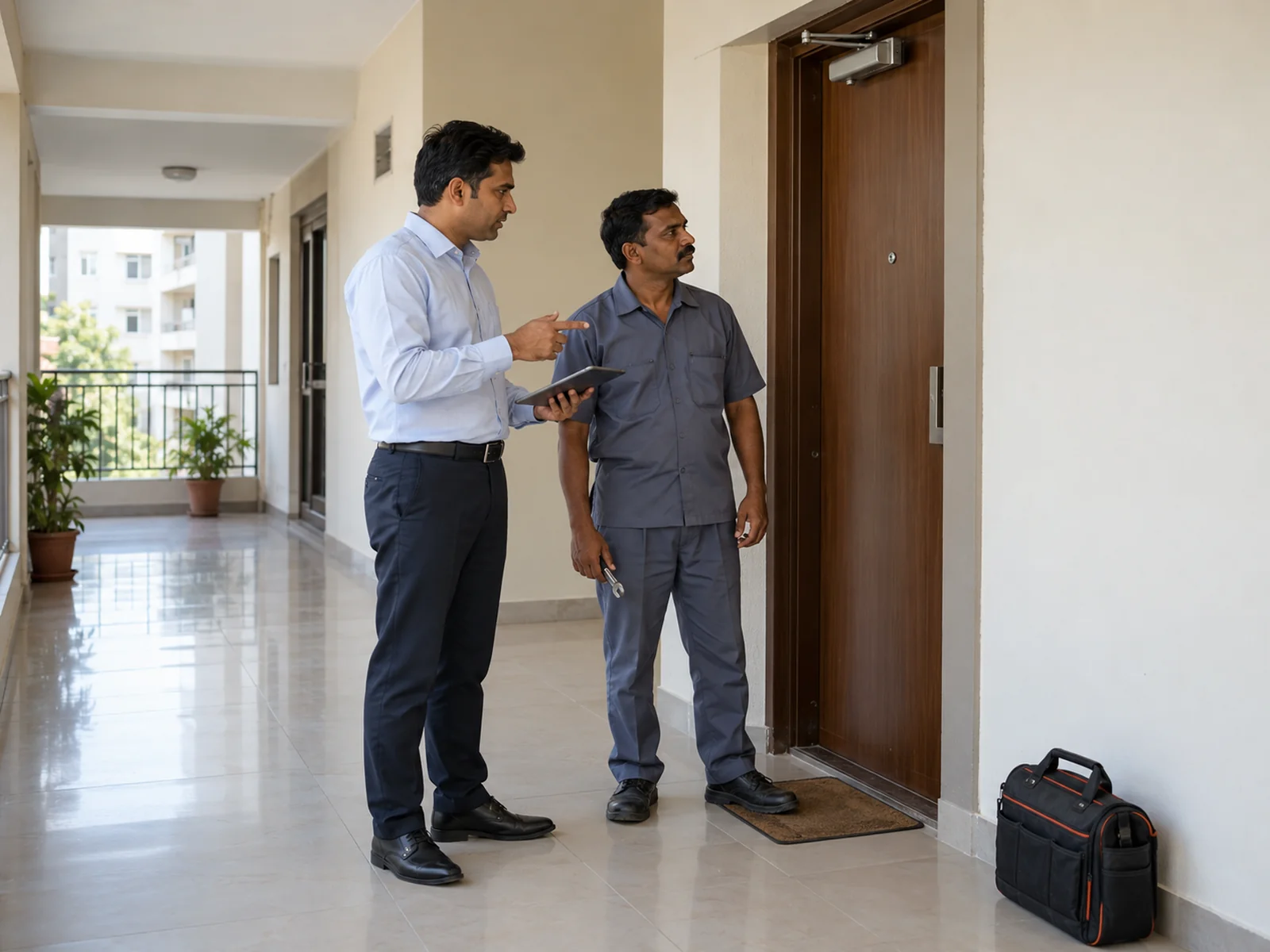
04 / Complaints & operations
Give everyday society work a clear next step.
Bring complaints, staff tasks, vendor records and facility requests into organised workflows.
- Raise complaints and follow status updates
- Keep public comments separate from internal staff notes
- Assign work and track staff or vendor activity
Look a little closer
Find the workflow you need.
Explore implemented workflows and their current limits before choosing what fits your society.
Finance
Unit bills · recorded receipts · reviewed vouchers
Residents
Unit records · household relationships · invitations
Security
Visitor requests · approvals · entry and exit
Operations
Complaints · work orders · inventory
Communication
Notices · audience-limited polls · in-app updates
Administration
Roles · tenant-scoped records · audit events
AGM, registers, move clearance, patrols, overstay, parcels, water and procurement remain in development and review. See the development roadmap →
At your desk. Around your society.
Web access that travels with you.
The responsive web application is designed for phone access as well as desktop work. Full device acceptance is still in progress.
Native resident, guard and admin apps remain planned. Use the society web login for current access.
Open society login ↗A practical starting point
Start with the right information.
- 01
Share your requirements
Tell us about your society and the workflows you want to see.
- 02
Prepare society records
Review units, people and supported import formats before setup.
- 03
Agree the introduction
Confirm roles, the demonstration scope and any onboarding assistance.
Records with responsibility
Access should follow the role.
Changes should leave a record.
HSGSoc uses tenant-scoped records, server-side permissions and audit events for sensitive workflows. These are product controls, not a claim of security certification.
About HSGSoc and Webwide →Before you decide
Good questions.
Clear answers.
Who can use HSGSoc?
The platform is designed for housing society committees, managers, residents, accountants and security teams. Access depends on the society and assigned permissions.
Can owners and tenants have different access?
Yes. Relationship and permission controls distinguish owners, family members and rental occupants. Society configuration and required approvals determine access.
Does it work on mobile?
The current product is a responsive web application designed for phone access. Full device and accessibility acceptance is ongoing. Native resident, guard and admin apps are planned; there are no app-store downloads to offer yet.
How is existing society data brought in?
Validated CSV dry-run and import workflows exist for supported unit and membership records. Data needs preparation and review; the scope of any assistance must be agreed separately.
How do we request a demonstration?
Use the contact page to prepare an enquiry with your society details, then send it using your email application. There is no online booking or instant confirmation.
Which integrations are currently supported?
No live provider integration is advertised as fully accepted. Tally export is partial; payment, external messaging and storage-provider acceptance require further work. Ask about the exact workflow you need.
Start with your society
Let’s talk about your everyday work.
Tell us what you need to manage. Ask for a demonstration and a scoped pricing discussion.